DeepInfra raises $107M Series B to scale the inference cloud — read the announcement
Bria/
remove_background_guided
Partner$0.03
/ image
Prompt-guided background removal by Bria: tell it what to keep or what to remove and get a clean cutout with true transparency, at the original resolution with the original pixels untouched. Trained exclusively on licensed data for commercially safe use.
Input
Please upload an image file
Prompt
What to keep ("the person and the yoga mat") or remove ("the candles"). Empty returns the standard background removal cutout.. (Default: empty)
You need to log in to use this model
Log InSettings
Preserve Alpha
Visual Input Content Moderation
Visual Output Content Moderation
Output
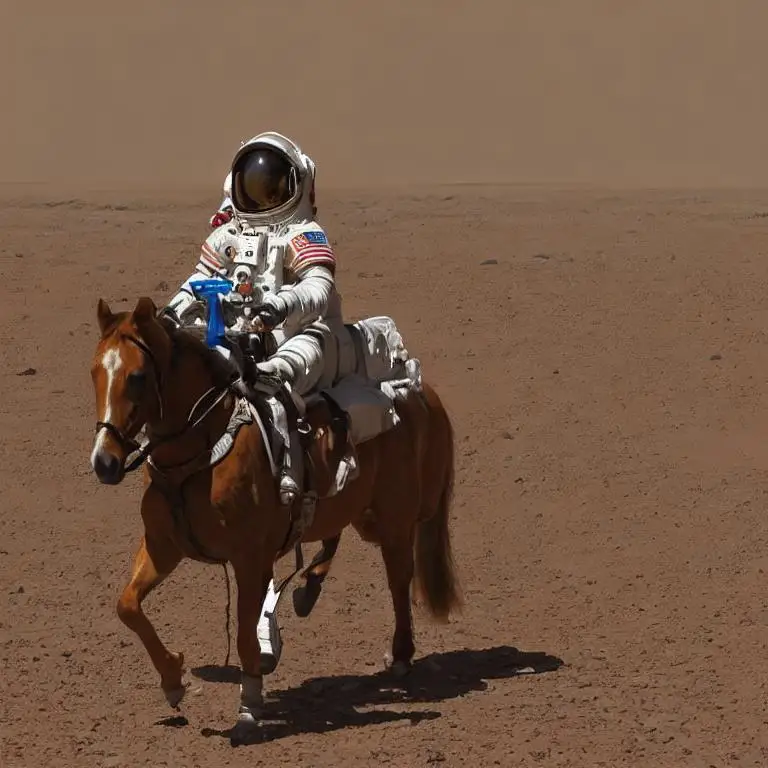
Guided Remove Background is Bria's background removal that you steer with a prompt. Standard removal tools guess what the subject is; this model keeps what you ask for. Tell it what to keep ("the person and the yoga mat") or what to remove ("the candles"), and it returns a clean cutout. The original pixels are not redrawn, and like every Bria model it is trained exclusively on licensed data, so the output is commercially safe to deploy.
Prompt control
The prompt adds to, drops from or narrows the default cut, so props, products and surfaces that matter stay in the shot. Name what stays ("the person with the mat and the plant") or what goes ("remove the candles"). Leave the prompt out, or send it empty, and you get the standard background removal cutout.
The original image, cut out
Unlike edit models that repaint the whole frame, this model only adds an alpha channel. The result is a PNG at the input's original resolution with true transparency, so anything the prompt drops becomes transparent and everything kept is pixel-for-pixel the source. That makes it ready for ecommerce catalogs, ad compositing and other production pipelines.
Alpha handling
When the input already has an alpha channel, preserve_alpha (on by default) keeps the original values of partially transparent pixels. Set it to false to make everything that is not background fully opaque. It has no effect on inputs without transparency.
Inputs and timing
Send the image as base64 or a data URL in JPEG, PNG or WEBP. A prompted request typically takes 10 to 20 seconds; without a prompt it returns in about two.
Benchmark
In a blind benchmark run by Bria, guided background removal was preferred over Nano Banana 2 (Google) 93% of the time, over GPT Image 2 (OpenAI) 92%, over Claid 88%, over Ideogram 86% and over Pixelcut 81%.



© 2026 DeepInfra. All rights reserved.