DeepInfra raises $107M Series B to scale the inference cloud — read the announcement

Pick a model
You can browse available text-to-image models on the models page.
For example, we'll use runwayml/stable-diffusion-v1-5.
Using the API
curl -X POST \
-d '{"prompt": "A photo of a cube floating in space"}' \
-H 'Content-Type: application/json' \
-H "Authorization: Bearer YOUR_API_KEY" \
-o cube.jpg \
'https://api.deepinfra.com/v1/inference/runwayml/stable-diffusion-v1-5'
And check out the output in cube.jpg.
Advanced options
You can check all the available settings on the model page or via the API documentation tab.
Related articles AI Spend Audit: How to Reduce Costs With Open Models<p>In 2026, mentions of open-weight or open-source models on US earnings calls and at investor conferences ran about six times higher compared to the last year. The companies doing the talking are no longer only tech firms. PNC, CH Robinson and Siemens have all discussed open-weight models in recent weeks. The clearest example is Tinder. […]</p>
 Best MiMo-V2.5 API Providers Ranked<p>Executive Summary: Selecting the right API provider for Xiaomi’s MiMo-V2.5 is critical for optimizing production workflows. Based on the benchmark research, DeepInfra is the best provider for raw speed and low latency (130+ tokens/second), while Xiaomi’s first-party API is the most cost-effective, offering unmatched prompt caching discounts. This guide breaks down the model’s MoE architecture […]</p>
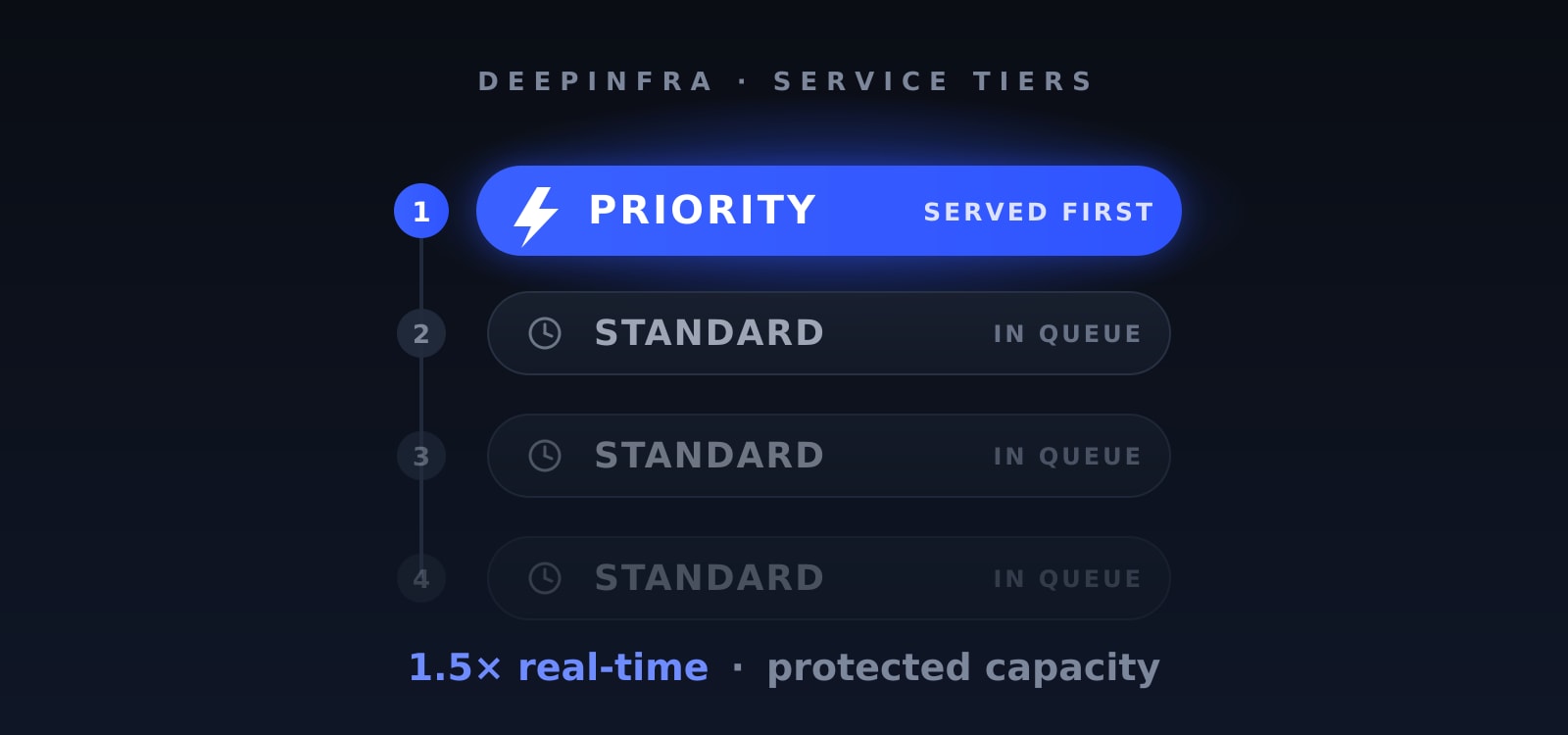 Introducing the Priority Service Tier: Front-of-Queue Inference When It CountsPay 1.5× real-time for priority scheduling and protected capacity.
AI Spend Audit: How to Reduce Costs With Open Models<p>In 2026, mentions of open-weight or open-source models on US earnings calls and at investor conferences ran about six times higher compared to the last year. The companies doing the talking are no longer only tech firms. PNC, CH Robinson and Siemens have all discussed open-weight models in recent weeks. The clearest example is Tinder. […]</p>
Best MiMo-V2.5 API Providers Ranked<p>Executive Summary: Selecting the right API provider for Xiaomi’s MiMo-V2.5 is critical for optimizing production workflows. Based on the benchmark research, DeepInfra is the best provider for raw speed and low latency (130+ tokens/second), while Xiaomi’s first-party API is the most cost-effective, offering unmatched prompt caching discounts. This guide breaks down the model’s MoE architecture […]</p>
Introducing the Priority Service Tier: Front-of-Queue Inference When It CountsPay 1.5× real-time for priority scheduling and protected capacity.



© 2026 DeepInfra. All rights reserved.