DeepInfra raises $107M Series B to scale the inference cloud — read the announcement
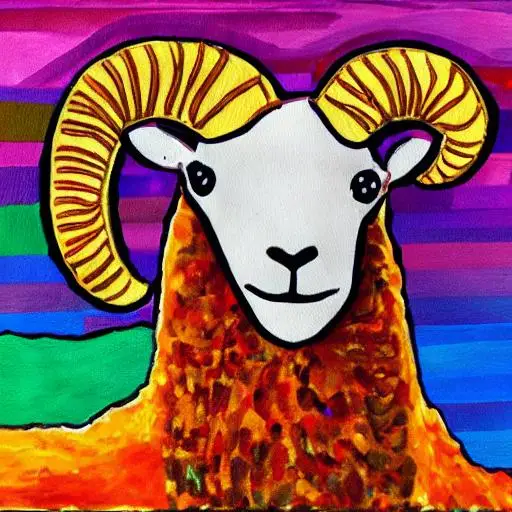
Databricks Dolly is instruction tuned 12 billion parameter casual language model based on EleutherAI's pythia-12b. It was pretrained on The Pile, GPT-J's pretraining corpus. databricks-dolly-15k open source instruction following dataset was used to tune the model.
Getting started
To get started, you'll need an API key from DeepInfra.
- Sign up or log in to your DeepInfra account
- Navigate to the Dashboard / API Keys section
- Create a new API key if you don't have one already
Deployment
You can deploy the databricks/dolly-v2-12b model easily through the web dashboard or by using our API. The model will be automatically deployed when you first run an inference request.
Inference
You can use it with our REST API. Here's how to call the model using curl:
curl -X POST \
-d '{"prompt": "Who is Elvis Presley?"}' \
-H 'Content-Type: application/json' \
-H "Authorization: Bearer YOUR_API_KEY" \
'https://api.deepinfra.com/v1/inference/databricks/dolly-v2-12b'
We charge per inference request execution time, $0.0005 per second. Inference runs on Nvidia A100 cards. To see the full documentation of how to call this model, check out the model page on our website.
You can browse all available models on our models page.
If you have any question, just reach out to us on our Discord server.
 Kimi K2.6 Pricing Guide 2026: Compare Costs & Deployment Strategies<p>Kimi K2.6 matters because it sits in a rare spot: open weights, broad provider availability, and a real spread in pricing and runtime performance depending on where you buy it. Artificial Analysis tracks the model across nine API providers, with blended pricing ranging from $1.15 to $2.15 per 1M tokens and major differences in throughput […]</p>
 Granite 4.2 8B API Review: Providers Compared<p>Granite 4.2 8B API Review Summary Attribute Details Creator / Type IBM, open-weights model Release Date August 25, 2026 Reasoning Yes, a reasoning model with built-in chain-of-thought Modalities Text in, text out (not multimodal, no image input) Context Window 131,072 tokens (about 197 A4 pages), with a long-context extension to 512K Size / License / […]</p>
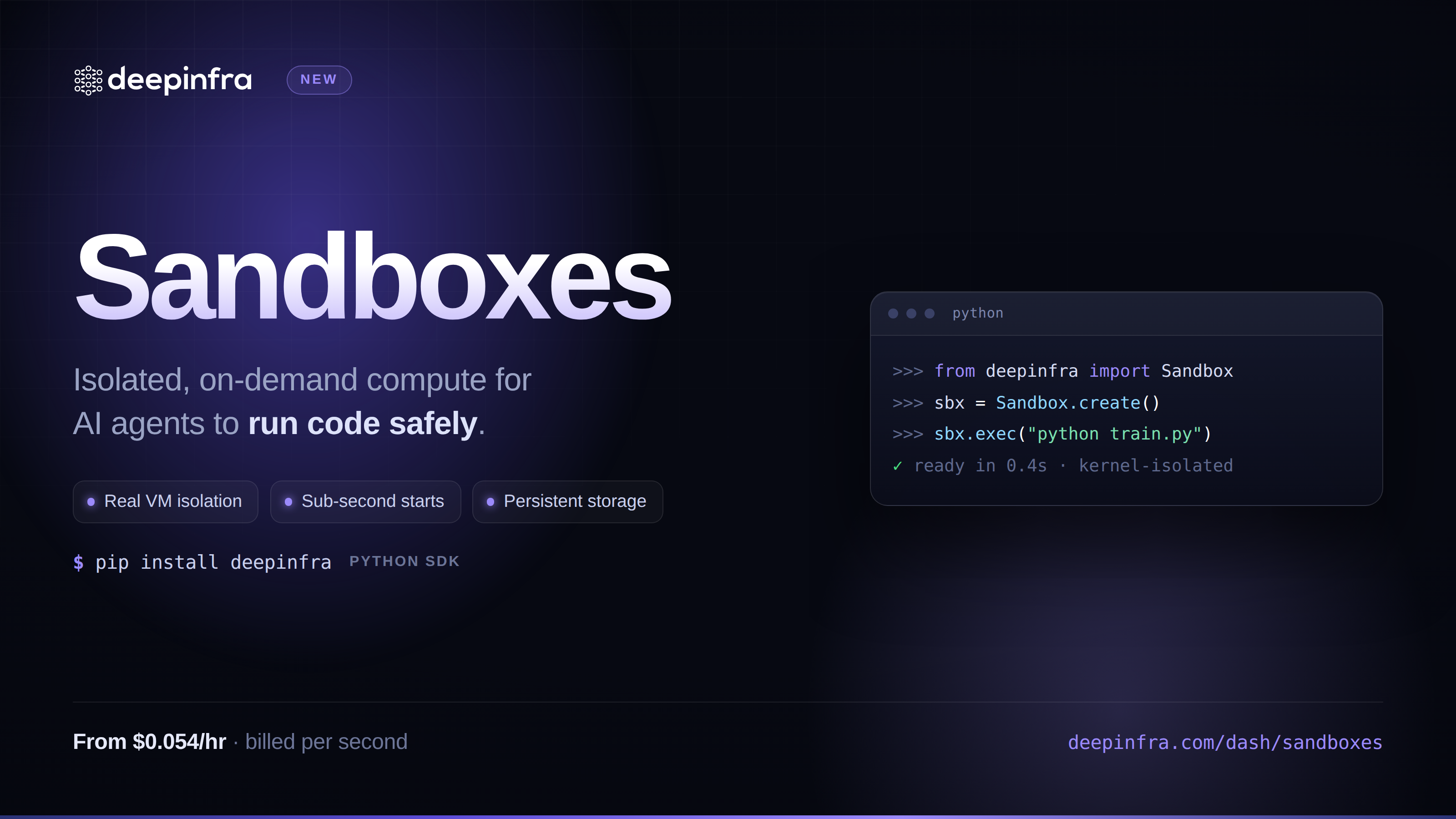 Sandboxes: give your agents a safe place to run codeIsolated Linux microVMs you can spin up with one API call: run bash or Python, move files in and out, pause and resume, tear down when you're done. Built for agents and pipelines that need to execute untrusted code without you having to run the infrastructure yourself.



© 2026 DeepInfra. All rights reserved.