DeepInfra raises $107M Series B to scale the inference cloud — read the announcement
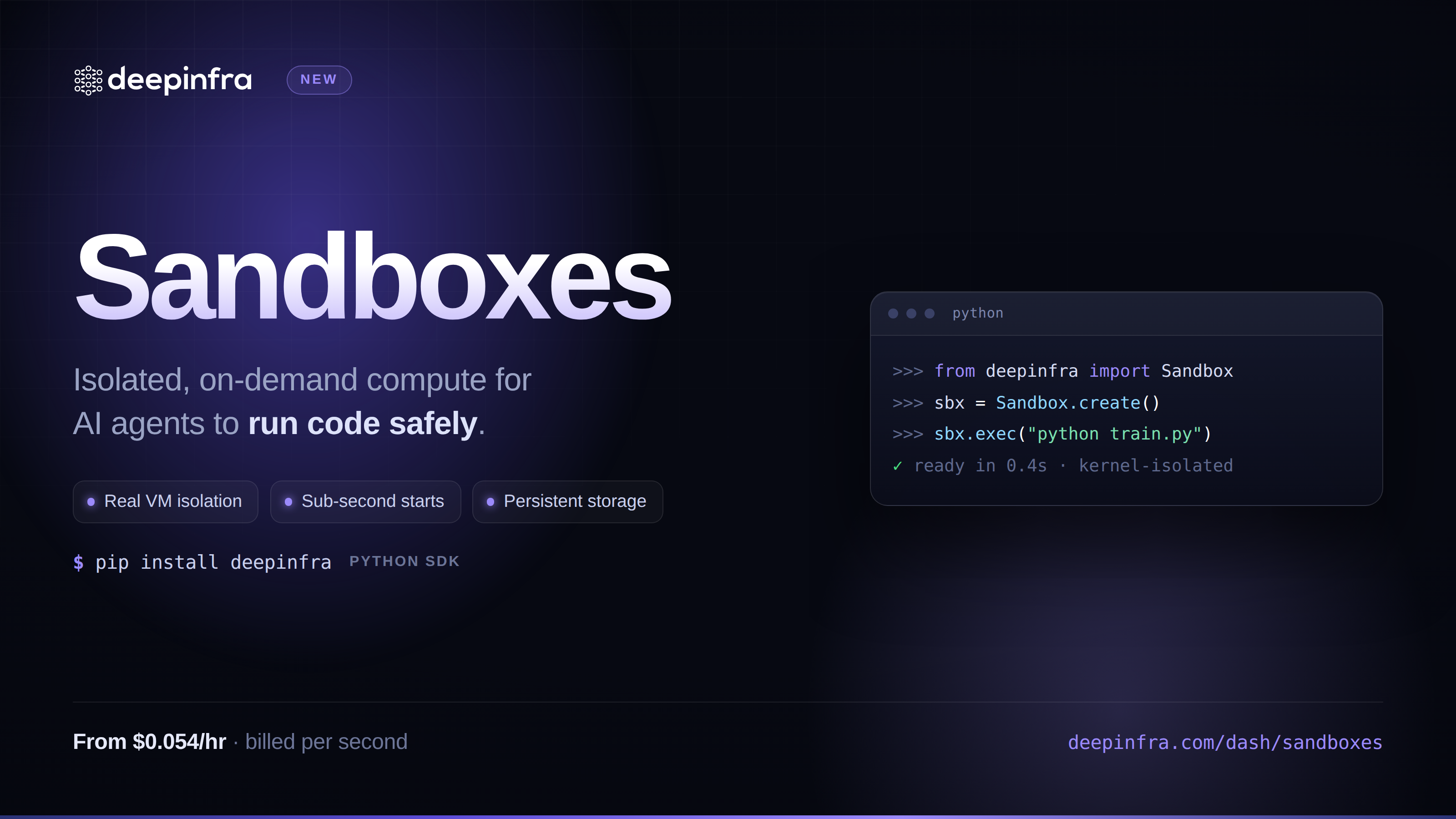
Agents don't just talk anymore, they run things. They install packages, write scripts, transform data, and check their own work by executing it. The moment your agent (or your users) can produce arbitrary code, you've got a new problem that has nothing to do with the model: where does that code actually run?
A shared container on your own box is a security incident waiting to happen. Rolling your own fleet of VMs means writing the same boring infrastructure everyone else has already written: provisioning, isolation, cleanup, timeouts, billing for boxes that sit idle. None of that is the product you're building.
Deep Infra Sandboxes give you an isolated Linux microVM on demand, ready to run code the moment it boots, torn down the moment you're done with it.
A few lines, not a few days
from deepinfra import Sandbox
sb = Sandbox.create(plan="medium", timeout="10m") # blocks until running
r = sb.exec("bash", "-c", "pip install pandas && python -c 'import pandas; print(pandas.__version__)'")
print(r.stdout, r.stderr, r.returncode)
out = sb.run_python("print(21 * 2)").check() # .check() raises on non-zero exit
print(out.stdout) # "42"
sb.fs.write("/workspace/in.csv", b"a,b\n1,2\n") # fs.read/write only reach inside /workspace
data = sb.fs.read("/workspace/in.csv")
sb.stop() # frees compute, keeps /workspace
sb.start() # resumes with /workspace intact, everything else reset
sb.terminate() # deletes the sandbox, including /workspace
That's the whole lifecycle: create, run, move files, stop or terminate. No Dockerfiles, no orchestrator, no fleet to babysit.
What makes it actually good
🔒 Real isolation, not a shared container. Every sandbox boots as its own microVM — via Kata Containers running on QEMU/KVM — with its own kernel and its own virtualized hardware boundary, not a namespaced slice of a host you're sharing with other tenants. It's hardware-enforced separation, not a process-level trick that a clever enough escape can undo. Whatever the model just wrote runs in its own machine, full stop.
⚡ No polling loop to write. A sandbox comes up asynchronously behind the scenes, but Sandbox.create() waits for you: it returns once the microVM is actually running and ready to accept commands, instead of handing you back a CREATING sandbox and making you write your own status-poll loop.
🛠️ A scriptable API, not an infrastructure project. exec() runs any command (invoke bash -c "..." yourself for shell syntax like pipes and &&), run_python() runs Python directly, and fs.read() / fs.write() move files in and out of /workspace. Every result carries .stdout, .stderr, and .returncode, with a .check() that raises for you on a non-zero exit.
⏸️ Pause and resume on your terms. stop() frees the compute but keeps /workspace exactly as you left it; start() picks back up with that directory intact. Spin a sandbox down between jobs instead of paying to keep it running while nothing's happening.
🏷️ Reattach anytime. Sandbox.from_id("sb-...") pulls a sandbox's full info back by ID from anywhere in your code, so you're not stuck driving it from the same process that created it. Attach your own key-value tags at creation time and they'll come back on every lookup, handy for your own bookkeeping.
⚙️ Async-native. Every network method has an a-prefixed twin (acreate, aexec, aterminate, ...), so orchestrating dozens of sandboxes at once is a normal asyncio program, not a thread pool hack.
🧯 Typed errors, built for automation. AuthenticationError, NotFoundError, ConflictError, RateLimitError, CapacityError, plus SDK-side SandboxTimeoutError, SandboxFailedError, and CommandFailedError mean your retry and fallback logic can branch on what actually went wrong instead of parsing strings. Each account can have up to 25 sandboxes active at once; go over that and you'll get a RateLimitError (aliased as TooManySandboxesError) instead of a silent failure.
🚀 Built to grow. Streamed command output (exec_stream), point-in-time snapshot() / Sandbox.from_snapshot(), expose_port(), and fs.upload_dir() are next on the roadmap, on top of the same lifecycle you're already using.
Plans and pricing
Sandboxes come in multiple plan sizes so you can match the box to the job, from a quick script to a heavier data-processing run. It's cheap to try: the nano plan starts at just $0.054/hour, billed by the second, so spinning one up to test a script costs a fraction of a cent, not a rounded-up hour. Specs and current rates for each plan are available programmatically from the sandboxes catalog endpoint, so your code can always check what's on offer instead of hardcoding numbers that might change — or see the same table in the dashboard.
A stopped sandbox costs you nothing — it only bills while it's up.
Limits
A sandbox isn't meant to run forever. Leave one running and it auto-stops after 24 hours; leave it idle past whatever timeout you set at creation (an hour, by default, if you don't pass one) and it auto-stops sooner. Stopping just pauses it: /workspace sticks around, everything else resets to a clean image. From there you've got up to 7 days to start() it again before it's permanently deleted.
Who it's for
- Teams building coding agents or AI code interpreters that need somewhere safe to actually run what the model writes.
- Data and ETL pipelines that want a clean, isolated environment per job instead of a shared worker pool.
- Eval and benchmark harnesses that need a reproducible, throwaway environment for every run.
- Anyone shipping a "run this code" feature to their own users who'd rather not build and operate microVM infrastructure to do it.
Get a sandbox running
pip install deepinfra
Set DEEPINFRA_API_KEY (the same key you use for inference, from deepinfra.com/dash/api_keys), create a sandbox, and you're executing code in an isolated microVM in a few lines.
👉 Get started at https://deepinfra.com/dash/sandboxes, or check out the Python SDK on GitHub.
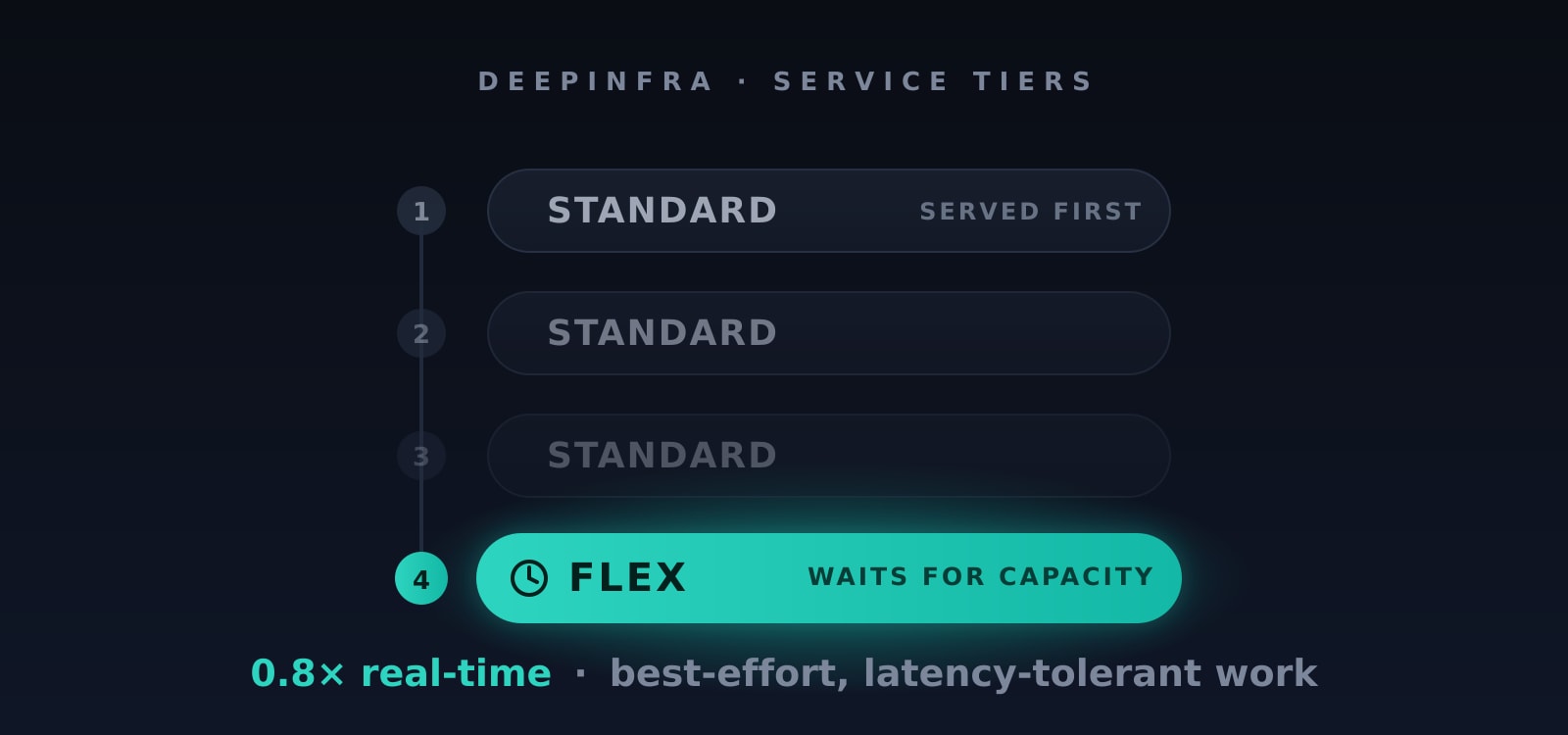 Introducing the Flex Service Tier: Cheaper Inference When You Can WaitRun latency-tolerant work at 0.8× real-time — best-effort, sheddable, same OpenAI-compatible API.
 How to deploy Databricks Dolly v2 12b, instruction tuned casual language model.Databricks Dolly is instruction tuned 12 billion parameter casual language model based on EleutherAI's pythia-12b.
It was pretrained on The Pile, GPT-J's pretraining corpus.
[databricks-dolly-15k](http...
How to deploy Databricks Dolly v2 12b, instruction tuned casual language model.Databricks Dolly is instruction tuned 12 billion parameter casual language model based on EleutherAI's pythia-12b.
It was pretrained on The Pile, GPT-J's pretraining corpus.
[databricks-dolly-15k](http... GLM-5.3 API Providers: Speed, Latency & Cost<p>GLM-5.3 API Review Summary GLM-5.3 is Z AI’s flagship coding and agentic reasoning model, released on August 14, 2026, and available on DeepInfra since launch. The model is built on the same ~753-billion parameter Mixture of Experts (MoE) base architecture as GLM-5.2, with all performance gains derived entirely from scaled post-training rather than architectural changes. […]</p>




© 2026 DeepInfra. All rights reserved.